
macOS
This computermacOS 13.4 or later
Download .dmg.dmg installer
Free and open source, for macOS, Windows and Linux.
macOS 13.4 or later
Download .dmg.dmg installer

For 64-bit Windows
.exe installer

For 64-bit Linux
Download AppImageAppImage installer
The server edition is a Docker image with a web console built in.
$ docker run -d --name astrlink \
    -p 8317:8317 \
    -v astrlink-data:/data \
    calciumion/astrlink:latest
# Then open http://your-server:8317 in a browserOpen AstrLink and add the subscriptions or API keys you already have under “API providers”.
Under “Access tokens”, create a token for the agent.
In the agent’s model settings, enter AstrLink’s address as the base URL and the new token as the API key.
http://127.0.0.1:8317/v1
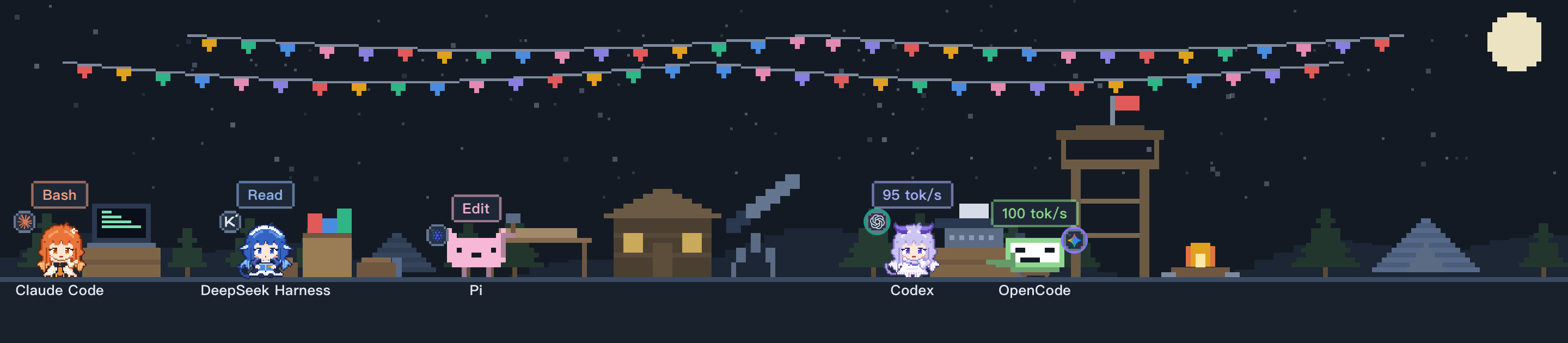
Each agent is a pixel character, with what it’s doing shown above its head.